BIP39 passphrase: what the 25th word protects, and what it doesn't
A BIP39 passphrase is an optional extra secret you add to your recovery phrase. People call it the 25th word, although it can be any string you choose. It is one of the most useful protections in self-custody and also one of the easiest ways to lose funds for good, so it is worth understanding exactly what it does before you turn it on.
BIP39 is the standard that turns a wallet's random secret into a list of words you can write down, usually 12 or 24. From those words a wallet derives all of your keys and addresses. Because it is a standard, the same words restore the same wallet in any compatible wallet, which is what lets you move between devices and apps without asking anyone's permission.
When a wallet turns your words into a seed, BIP39 runs them together with a passphrase through a key-stretching function (PBKDF2, 2,048 rounds). If you never set a passphrase, the wallet uses an empty one. Any other passphrase produces a completely different seed and a completely different set of addresses.
This is where the usual "extra lock" comparison falls short. A passphrase doesn't add a second lock to your existing wallet. It opens a different wallet. The same 24 words with passphrase A, passphrase B or no passphrase lead to three unrelated wallets, and nothing warns you if you type the wrong one. A typo simply opens a wallet with nothing in it.
The main job of a passphrase is to protect you if someone finds your recovery words. If your funds sit in the passphrase wallet, the words alone open only the wallet without a passphrase. You can leave that wallet empty or keep a small amount there as a decoy. To reach the real funds, an attacker needs both secrets.
That protection only holds if the passphrase is hard to guess. Someone who has your words can test candidate passphrases offline, as fast as their hardware allows, so a name, a date or a well-known phrase adds very little.
A strong passphrase helps when your written recovery words are found, copied or photographed. It also gives you something to hand over under pressure: the words alone open only the wallet without a passphrase.
It does nothing for you if you forget it. There is no reset and no recovery service, so a forgotten passphrase means the funds in that wallet are gone permanently. It also won't protect you from malicious firmware on the device where you enter it, because that firmware handles the passphrase too.
Whether it protects a stolen device depends on the wallet. Some devices ask for the passphrase at every unlock and never keep it, so a thief who gets past the PIN still doesn't have it. Others, Keycard included, set the passphrase once and keep the resulting key, so a stolen device is protected by its PIN instead.
Make it long and unpredictable. Avoid anything connected to you, such as names and birthdays, and avoid dictionary phrases or quotes that an attacker could try first.
Store it as carefully as your recovery words, but not in the same place. If the passphrase sits next to the words, whoever finds one finds both, and the protection is gone. Keep both offline: anything typed into a phone, a password manager or a cloud note is exposed to whatever that device is exposed to.
The most damaging mistake is treating the passphrase like a password you can rotate. Setting a "new" passphrase doesn't update your wallet. It creates a new, empty one, and your funds stay where they were.
The other common mistakes are using something guessable, storing it with the recovery words, and never testing it. Because a wrong passphrase still opens a valid wallet, an error in your written copy can go unnoticed until the day you need it.
How you add a passphrase depends on the wallet. Some ask for it each time you unlock, which lets you switch between passphrase wallets in a single session. Others, including Keycard, set it once when the wallet is created.
Test your backup before you send real funds. Because a wrong passphrase still opens a valid wallet, the only reliable check is to compare what your written words and passphrase produce with the wallet you actually use. Many wallets let you do this by restoring on a second device and comparing the first receiving address. Keycard Shell has a built-in check: in Settings → Keycard → Verify mnemonic, you enter your words and passphrase, and Shell tells you whether they match the key on your card. It never changes the card's key, and you don't need a second device.
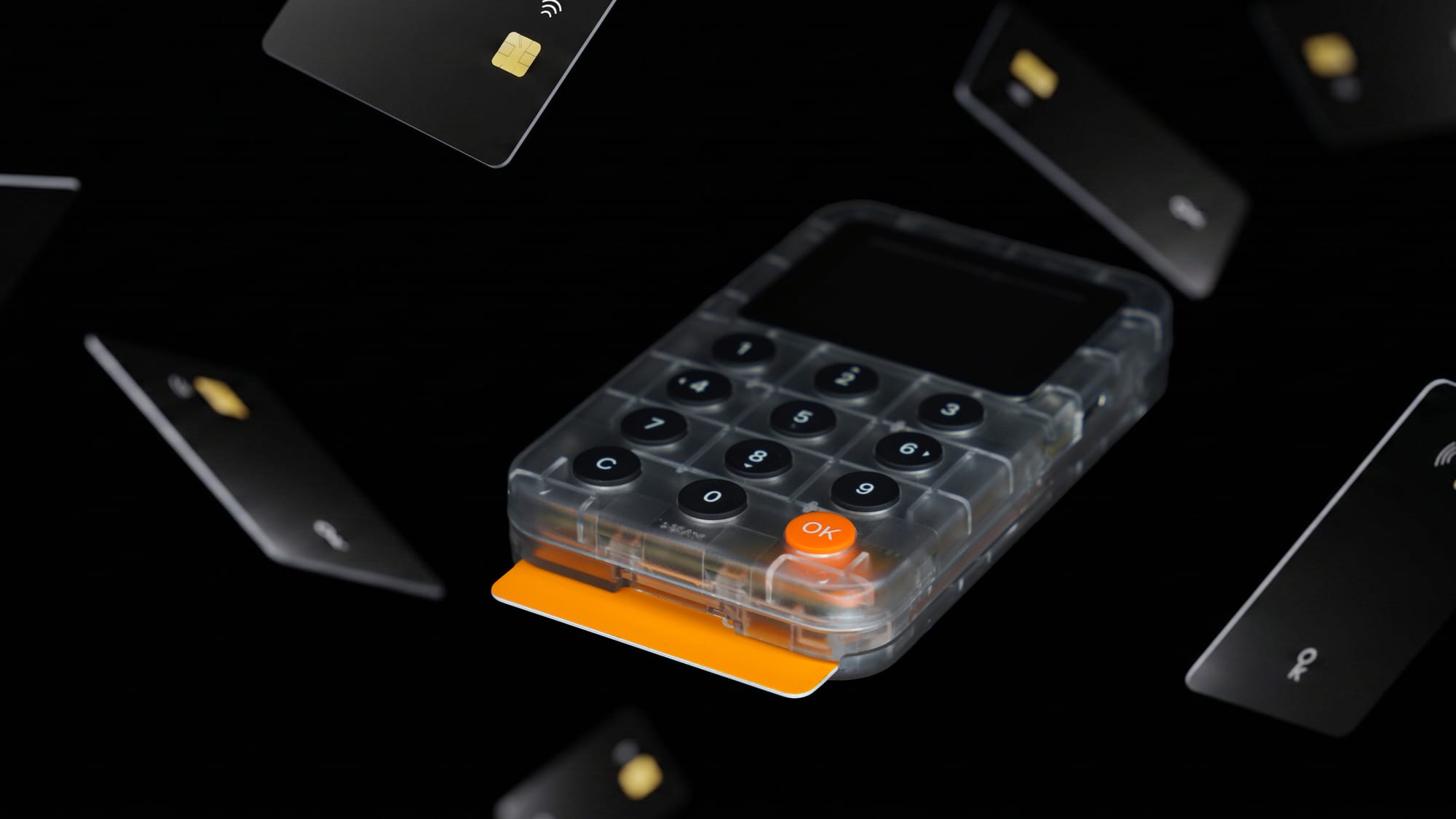
Keycard supports a BIP39 passphrase. You set it with Keycard Shell when the card is set up, and it can't be changed afterwards. One card holds one passphrase wallet.
The reason is how the seed reaches the card. Shell combines your words and passphrase into the seed before sending it to the card, and the card keeps only the resulting key, not your words. Switching passphrases at each unlock would mean typing your recovery words every session, leaving the seed in device memory every time.
If you want a hidden wallet, you have two options. You can set up a second Keycard with the same recovery phrase and a different passphrase. Or you can use the duress PIN, a second PIN that opens a separate decoy wallet on the same card, without the card showing which PIN was used. Shell offers the duress PIN at setup too, and it can't be changed later, so decide on it when you set up the card. Your words and passphrase follow the BIP39 standard, so they restore in any compatible wallet that supports passphrases, not only on Keycard.
Not in place. A different passphrase opens a different wallet, so "changing" it means creating a new passphrase wallet and moving your funds into it. On Keycard, the passphrase is fixed at card setup. To use a new one, set it up on a card with the new passphrase and transfer your funds.
The funds in that wallet are lost permanently. Nobody can reset it, and Keycard can't help either, because Keycard does not know your keys and keeps no database of them. This is why a written backup, stored separately from your words, matters as much as the passphrase itself.
With words alone, anyone who finds them has your funds. With a passphrase, they need both. The trade-off is that you now have two secrets to back up, and losing either one locks you out.
Yes, and they are mostly about you rather than the technology. You can forget it, a typo opens an empty wallet without warning, and a weak passphrase can be guessed offline by anyone who has your words. Test your backup before you rely on it.