What is a hardware wallet? How it works and what to check before you trust one
A hardware wallet is a physical device that keeps the private keys controlling your cryptocurrency away from the computer and phone you use every day. This guide covers how it works, where it fits among other wallet types, what it does and does not protect you from, and what to check before you rely on one.
A hardware wallet is a dedicated device used to store the private keys that control access to your cryptocurrency. The coins themselves remain on their blockchains; the wallet protects the keys needed to sign transactions. In simple terms, if someone controls your private keys, they can move your crypto, so keeping those keys isolated is central to cryptocurrency security.
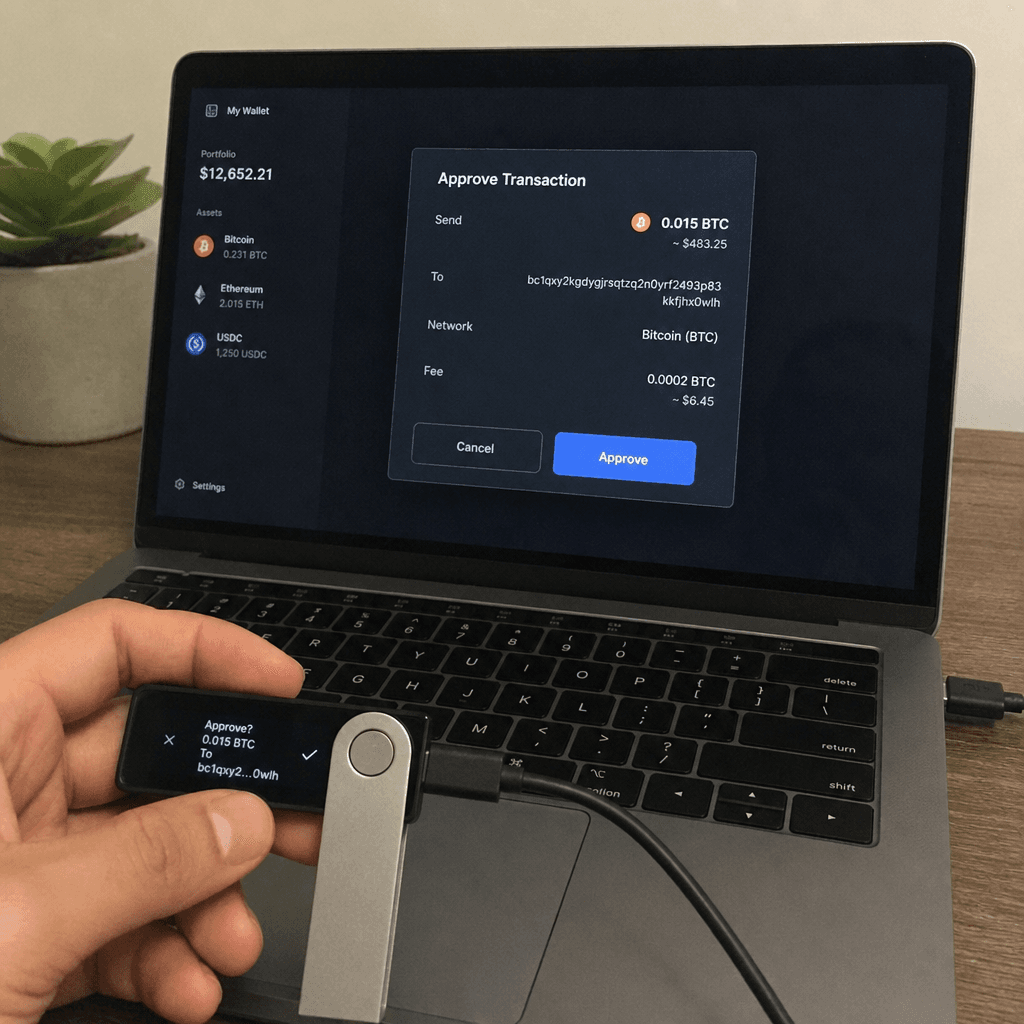
Most hardware wallets connect to a computer or phone only when you want to approve a transaction. The transaction details are shown on the device, and you confirm them physically, often by pressing buttons or using a touchscreen. This design helps reduce exposure to malware, phishing pages, browser extensions, and compromised computers.
The idea underneath all of this is separation. A software wallet keeps keys on a device that is always online and runs plenty of other software. A hardware wallet keeps them on a dedicated device built to do very little else.
Before choosing a wallet, it helps to understand the basic categories. A custodial wallet means a platform, such as an exchange, controls the keys for you. A non-custodial wallet means you control the keys yourself. Hardware wallets usually fall into the non-custodial category, which gives you more control but also more responsibility.
That responsibility starts with the recovery phrase, sometimes called a seed phrase. During setup, most hardware wallets generate a list of words that can restore your wallet if the device is lost, damaged, or replaced. Anyone who finds that phrase may be able to access your funds, so it should be written down and stored securely offline, not saved in cloud storage, screenshots, email drafts, or messaging apps.
A hardware wallet does not remove every risk. It cannot stop you from sending funds to the wrong address, approving a malicious smart contract, or falling for a fake support agent. It is best viewed as one strong layer in a broader security routine.
The biggest benefit comes from reducing the number of ways attackers can reach your keys. When private keys stay inside a purpose-built device, they are harder to steal through common online attacks. This is especially useful for people holding crypto for the long term, managing larger balances, or using multiple wallets for different purposes.
Hardware wallets also encourage slower, more deliberate transactions. Because you must verify details on the device itself, you get an extra moment to check the address, amount, and network before approving. That friction may feel inconvenient at first, but it can prevent rushed mistakes.
Key advantages often include:
- Offline key storage: Private keys are generated and stored away from everyday internet-connected devices.
- Physical transaction approval: Transfers typically require confirmation on the wallet itself.
- Recovery options: On most devices, a recovery phrase restores access if the device is lost or replaced.
- Better long-term storage habits: The setup process encourages users to think carefully about backups, access, and risk.
- Compatibility with wallet apps: Many devices work alongside desktop or mobile apps that make balances and transactions easier to manage.
A clear comparison can help you decide whether a hardware wallet fits your needs. The right choice depends on how often you transact, how much value you store, and how comfortable you are managing your own backups.
| Wallet type | Best for | Main strength | Main tradeoff |
|---|---|---|---|
| Custodial exchange wallet | Beginners and frequent traders | Easy access and account recovery | You rely on the platform to safeguard assets |
| Mobile software wallet | Everyday transactions | Convenient and fast | Keys may be exposed if the phone is compromised |
| Desktop software wallet | Active users managing multiple assets | More control than many exchange accounts | Computer security becomes very important |
| Hardware wallet | Long-term storage and higher-security needs | Private keys stay offline | Requires careful setup, backup, and physical protection |
| Paper or metal backup (for the recovery phrase, not a wallet on its own) | Recovery phrase storage | No digital attack surface | Can be lost, damaged, or discovered |
This comparison does not mean one wallet type is universally best. Many people use a mix: an exchange account for trading, a mobile wallet for small everyday amounts, and a hardware wallet for long-term holdings.
The best hardware wallet for you is the one that matches your assets, technical comfort, and security habits. Brand popularity can be useful, but it should not be the only deciding factor. A good device should be easy enough for you to use correctly, because even strong security tools can fail if the setup feels confusing.
When reading hardware wallet reviews, look beyond star ratings and short opinions. Pay attention to whether the reviewer explains setup, recovery, supported coins, firmware updates, app experience, screen clarity, and transaction verification. Reviews that only focus on appearance or price may miss the security details that matter most.
Use this checklist when comparing options:
- 1Supported cryptocurrencies: Confirm the wallet supports the coins, tokens, and networks you actually use.
- 2Security model: Look for a clear explanation of where keys are stored, where transactions are signed, how the PIN is enforced, and how recovery works.
- 3Device screen: A clear screen helps you verify addresses and transaction details directly on the wallet. For smart contract interactions, check whether the device decodes what you are approving or only shows raw data you cannot read.
- 4Backup process: Setup should guide you through recording and confirming your recovery phrase.
- 5Software compatibility: Check whether the wallet works with the apps, browsers, or third-party wallets you prefer.
- 6Firmware updates: Updates fix bugs, but they also change the code that handles your keys. Check whether the firmware is open source and whether you can confirm that what you install was built from the published code.
- 7Ease of use: A secure wallet you understand is better than an advanced one you avoid using correctly.
- 8Purchase source: Buy from trusted sources, and be cautious with secondhand devices or opened packaging.
A useful hardware wallet review should help you imagine the full ownership experience, not just the unboxing.
Where does signing actually happen? Many hardware wallets advertise a secure element, the kind of tamper-resistant chip used in bank cards and SIM cards. On many devices, though, the secure element only stores secrets, and the signing runs on a general-purpose microcontroller next to it. Some devices have no secure element at all. This decides how far your keys travel every time you sign, and few product pages spell it out.
Can you check what the device is running? Open source code lets anyone read how a wallet is supposed to behave. It does not prove that the firmware on your device was built from that code. Reproducible builds close that gap, because you can build the firmware yourself from the published source and compare the result with the published release. Publishing code also does not guarantee that anyone audits it, so a vendor that gives you a way to check is worth more than one that only points to a repository.
How was your seed generated? Everything rests on the randomness used to create your recovery phrase. If it can be predicted, no amount of tamper resistance helps. In July 2026, seeds generated on affected Coldcard firmware were swept, with roughly 1,082 BTC taken from 1,196 addresses in 41 minutes in the first wave. For about five years, that firmware had silently created seeds with a software pseudo-random generator. The hardware random generator was present in those devices; the seed code simply did not use it. A certified hardware generator is a good sign, but being able to check the code that calls it matters just as much. We covered this in more detail in Random number generation in hardware wallets: how your seed is really made.
Can you leave? Check what happens if the company disappears or you want to switch. If the device gives you a standard BIP-39 recovery phrase, those words can restore your wallet in other compatible wallets. Some card-based wallets are seedless by default, which means the key exists only in the vendor's cards. It is also worth checking whether you need the vendor's own app to set up or use the device. That app sits between you and your keys, and some send your public addresses to the vendor's servers to display balances.
Hardware wallets are powerful, but user behavior still matters. Many losses happen not because the device failed, but because the owner entered a recovery phrase into a fake website, stored it digitally, or approved a transaction they did not understand.
The recovery phrase deserves the most attention. Never type it into a website that claims to "verify," "sync," or "unlock" your wallet. Legitimate recovery is done during wallet restoration, not through random pop-ups, direct messages, or support chats. If someone asks for your phrase, assume it is a scam.
Avoid these common errors:
- Storing the recovery phrase in photos, password managers, cloud notes, or email.
- Skipping the step of verifying the receiving address on the hardware wallet screen.
- Buying a used device without fully resetting it and generating a new phrase.
- Ignoring small test transactions when sending to a new address.
- Approving smart contract permissions without understanding what they allow.
- Keeping the device and recovery phrase in the same obvious location.
Security improves when you slow down. Treat every transaction as final, check details on the device, and keep backups protected from theft, fire, water, and accidental disposal.
Start in a quiet place where you are not rushed. Open the package carefully, inspect the device, and follow the official setup instructions for generating a new wallet.
Write the recovery phrase by hand, then confirm it as requested by the device. Consider making more than one durable backup and storing copies in separate secure locations. Do not photograph the phrase, even temporarily, because images can sync automatically to cloud services.
After setup, send a small test amount before transferring a larger balance. This helps confirm that the wallet, app, network, and address are working as expected. Once the test arrives, you can proceed more confidently while still checking each transaction on the device screen.
For ongoing use, create a simple habit: update wallet software only through trusted channels, review permissions before interacting with decentralized apps, and periodically confirm that your recovery backup is still accessible and legible.
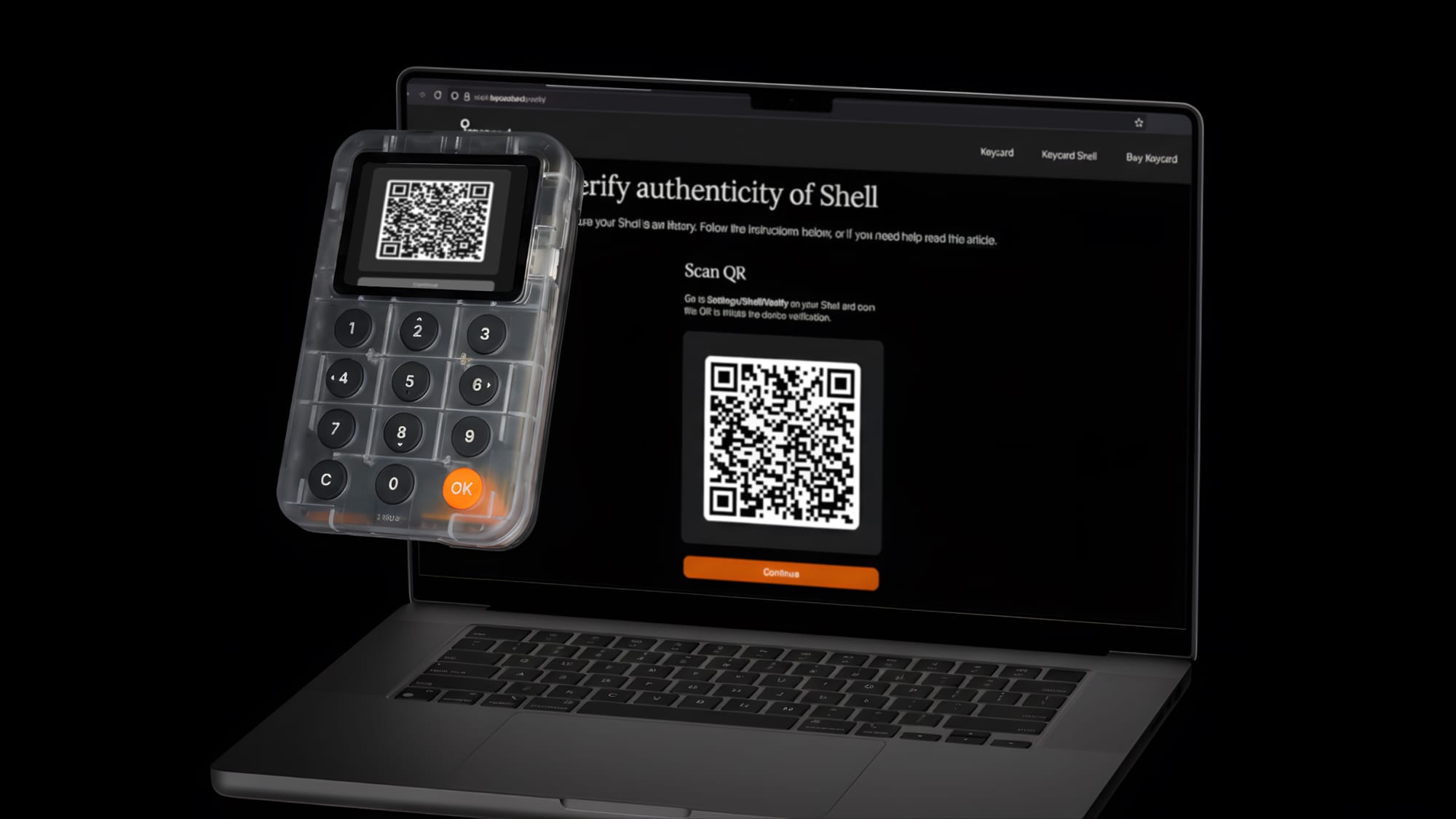
Keycard splits the hardware wallet into two parts. The Keycard itself is a smartcard that generates your keys with a hardware random number generator certified by Germany's BSI and signs inside an EAL6+ certified secure element, so the keys never leave the chip. Keycard Shell is the device you hold, with a screen, keypad and camera and no Wi-Fi, Bluetooth or cellular radio. It keeps nothing once the card is removed.
Shell firmware is open source and reproducible, so you can build it yourself and get the same hash as the published release, which is the exact digest your device checks before it runs.
Updates work differently on each half. The card software that holds and uses your keys is fixed when the card is made: retail cards can't be updated after they leave the factory, so no update can change how your keys are handled. Shell's firmware can be updated, but it never holds your keys. It shows you the transaction and passes it to the card to sign. And because the firmware is reproducible, you can check any update against the published code before you install it.
Recovery uses a standard BIP-39 phrase that works in any compatible wallet, even if Keycard disappears. There is no companion app; Shell works with 15+ software wallets, including MetaMask, Rabby and Sparrow.
Some trust remains, and we would rather say where. The NXP chip is closed silicon. The seal on retail cards rests on our production process. If you would rather not rely on that, you can buy an unfused developer card and build and load the card software yourself.
A hardware wallet keeps your private keys away from the devices you use every day and makes you approve each transaction on hardware you control. How much that protects you depends on details most product pages skip: where signing happens, whether you can check the firmware, how the seed was generated, and whether your recovery phrase works outside one vendor's products. Choose a device you will use correctly, and look after the recovery phrase as carefully as the device itself.