Card-shaped hardware wallets: what to check, and how the main cards compare
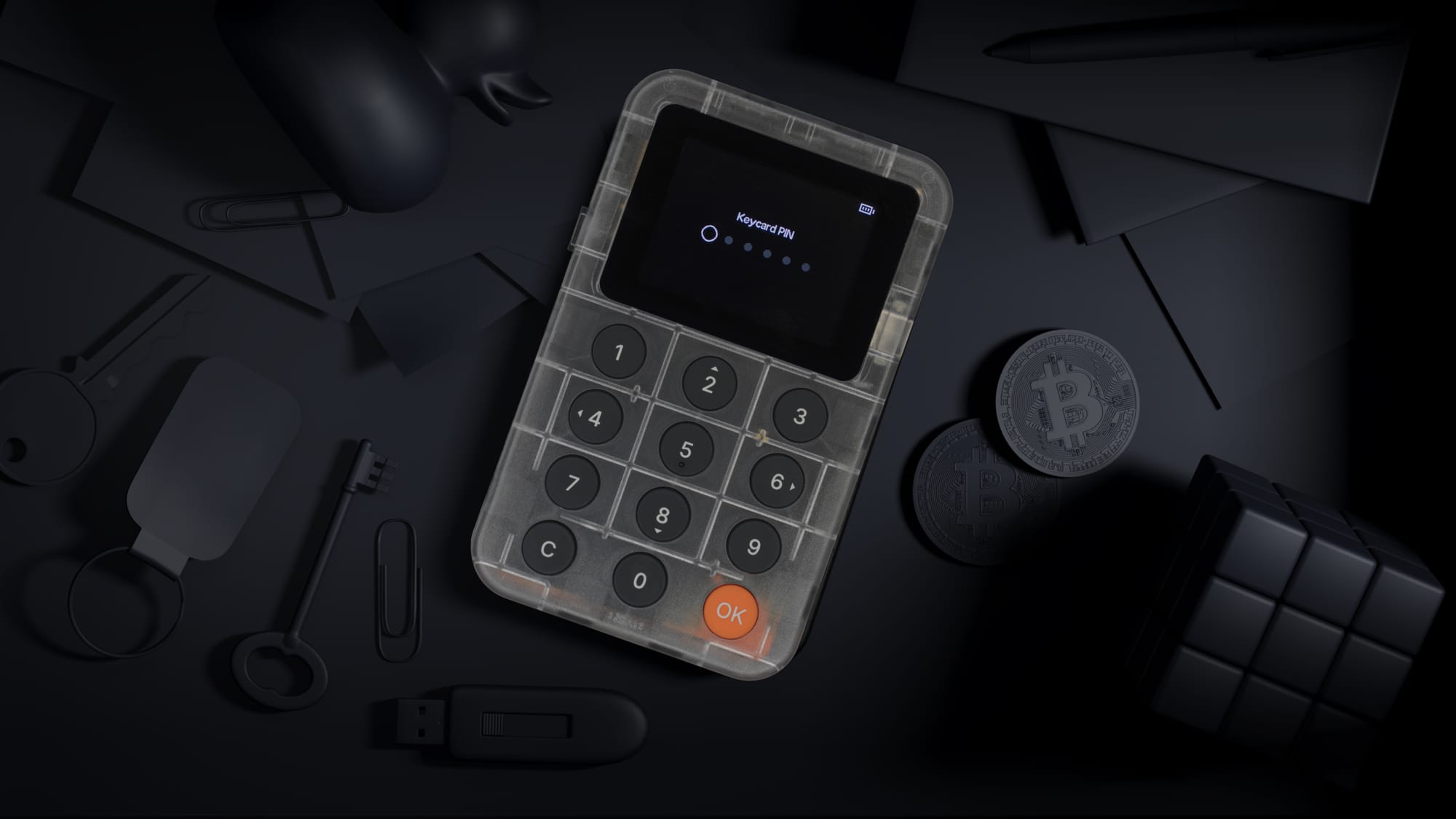
A card-shaped hardware wallet keeps your crypto keys in a chip the size of a bank card. It fits where a payment card goes, and it needs no cable to carry around. The shape is the easy part to judge. This guide covers the questions that matter more: where the keys live, where you see what you sign, and how you recover if a card is lost. Then it looks at the card wallets on sale in 2026.
Three kinds of product look alike:
- Signing cards. The card holds your keys and signs transactions inside its chip. You tap it on a phone, or insert it into a reader or a companion device. This guide is about these.
- Bearer cards. The funds sit on the card itself, like a banknote. You hand over the card to pay, and you unseal it to spend. Examples: Coinkite SATSCARD, Satodime, Ballet REAL.
- Backup cards. The card stores a copy of your recovery phrase, but it does not sign. Examples: Seedkeeper, OneKey SeedCard.
- Where the keys live. Keys should be generated and used inside a secure element. Signing should happen on the card, so the key is never handed to the phone or computer you connect it to.
- Where you see what you sign. A card has no screen. Used alone with a phone, it signs what the phone sends, and you rely on the phone to show the right details. Some card wallets pair with a separate device that has its own screen, so you can check the transaction there before you approve it.
- Recovery. Check whether you get a standard BIP-39 recovery phrase that restores in other wallets, or whether the cards themselves are the only backup. This decides whether you can ever move your funds without the maker's products.
- Open code. Check whether the code on the card is published. Published code can be audited by anyone, not only by the vendor and its auditors.
- Apps and standards. Check whether you must use the maker's own app, or whether the card works with wallets you already use through open standards.
- Supported assets. Confirm that your coins, tokens and networks are supported before you buy.
- Durability. The card should survive years in a wallet or a safe. Look for water and dust resistance, and check for a battery that can wear out.
- Updates. Check what an update can change, and whether you can verify it yourself.
- Tangem (Tangem AG). A set of two or three cards used over NFC with the Tangem app. Tangem is seedless by default: the key lives only in the cards of the set, which are copies of the same key. An optional seed phrase mode has existed since around 2023. The card firmware is not published. Full comparison: Keycard vs Tangem (URL to come).
- Arculus (CompoSecure). A metal card used over NFC with the Arculus mobile app. Signing needs the card, a PIN and the phone's biometrics. Recovery is a BIP-39 phrase. The firmware is not published.
- Satochip (Satochip SRL). A JavaCard smartcard used over NFC or a contact reader. It uses BIP-32 and BIP-39, and its card applet is open source.
- TAPSIGNER (Coinkite). A Bitcoin-only NFC card. It has no recovery words: the backup is an encrypted export of the key, with the decryption key printed on the card. Coinkite states that the card signs what the phone sends and cannot show you the payment.
- D'CENT S (IoTrust). An NFC card used with the D'CENT app. The 24-word recovery phrase is stored on a recovery card included in the box.
- Keycard and Keycard Shell (Keycard). The card signs on its own over NFC, and the Shell adds a screen, a keypad and QR-code signing. Details below.
- Cypherock X1 (Cypherock). The key is split into shares across the X1 Vault and four NFC cards. You need the Vault to sign.
- GridPlus SafeCard (GridPlus). A card that holds the wallet for the GridPlus Lattice1 and works only inside it.
Keycard is two components that form one modular hardware wallet. The Keycard is a smartcard that holds your keys and signs. Keycard Shell is a small device with a screen, keypad and camera. You insert the card into it when you want to see exactly what you sign. The two parts behave differently, so the answers below keep them apart.
Keys are generated on the card by its hardware random number generator, and they never leave the secure element. The card runs on an EAL6+ certified secure element. Signing happens inside the chip: a transaction hash goes in and a signature comes out.
The card's applet is open source. Retail cards are sealed at production. If you do not want to trust our production, a Keycard for developer ships unsealed, so you can compile the applet yourself, load it and seal it. The Shell's firmware is open source with reproducible builds, and its hardware design is published down to the fabrication files. The secure element silicon itself is proprietary, as on every hardware wallet today.
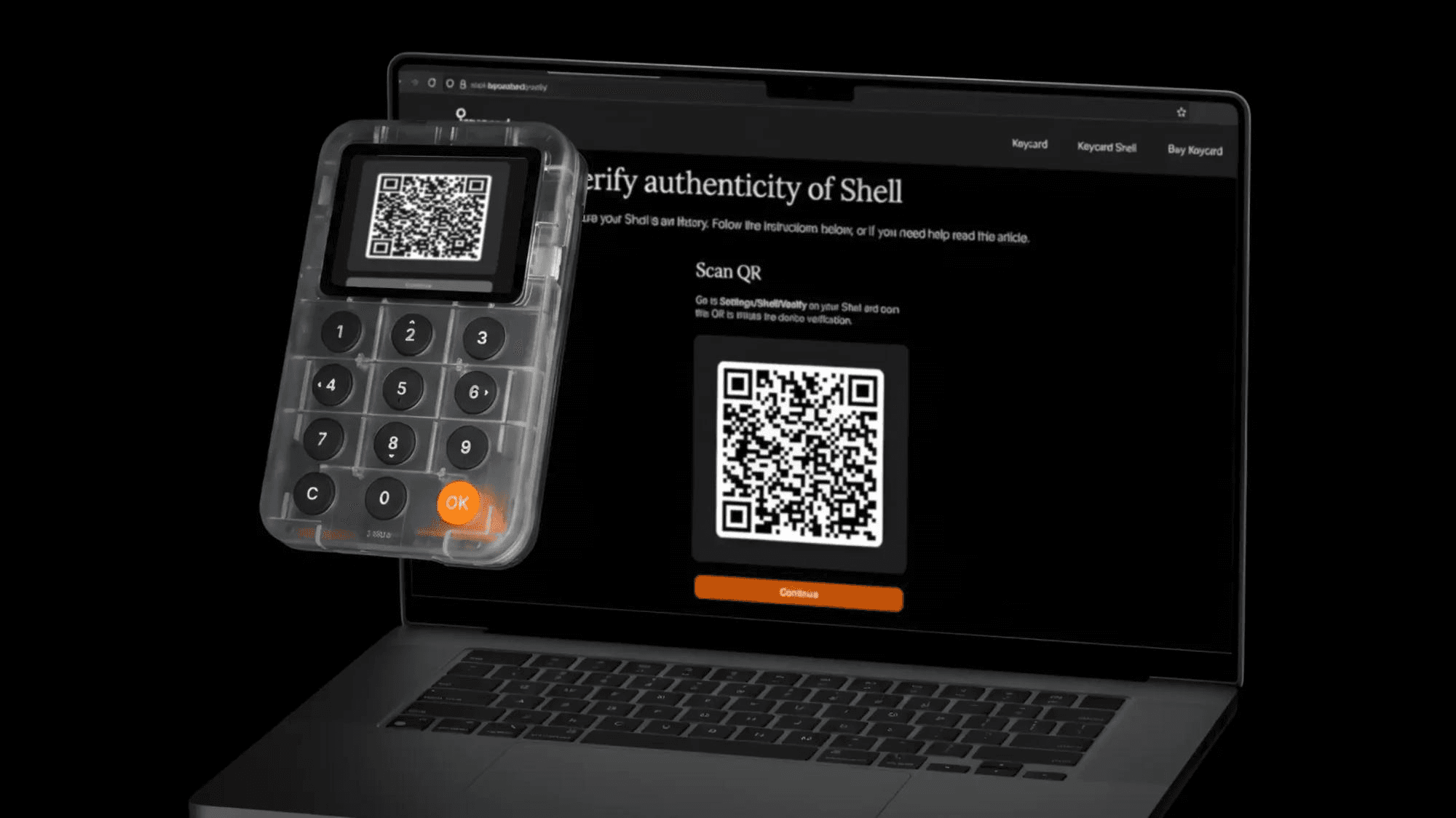
With the card in the Shell, you review the transaction on the Shell's own screen and approve it with a physical button. The Shell decodes token transfers, contract calls and EIP-712 typed data on Ethereum. On Bitcoin it shows each output, amount and fee. The card also works on its own, tapped on a phone over NFC. Then it has no screen, so you rely on the phone to show the right details.
Keycard uses a standard BIP-39 recovery phrase of 12 or 24 words. It restores in any compatible wallet, even if Keycard as a company disappears. You can load the same phrase onto a second Keycard, so your backup is a working card in another place, and your recovery words still work everywhere.
Keycard works with the wallets you already use, through open standards. The Shell works with 15+ software wallets over QR codes (ERC-4527 / BC-UR), including MetaMask, Rabby, Sparrow and Nunchuk. On its own, the card works over NFC with Status and with Keycard Pal, a community-built app. Sparrow can also use the card through a USB smartcard reader. The card's API is open, so any wallet can add support.
Bitcoin, Ethereum, and EVM-compatible chains and L2s, from the same card.
The Shell has no Wi-Fi, Bluetooth or cellular radio. It signs through QR codes, and a setting switches off USB data, so the USB-C port only charges.
Retail Keycards are sealed at production and cannot be updated, so no update can change how the card handles your keys. Shell firmware can be updated, but the Shell never stores your keys, and it forgets everything when you remove the card. It only installs firmware signed by Keycard, after you approve the update on the device. Because the build is reproducible, you can build the firmware from the published code and get the same hash as the release.
The card has no battery and no moving parts. It is water, dust and X-ray resistant, with a 20+ year lifespan. The Shell runs on a Nokia BL-4C battery that you replace yourself, without tools. Neither the Shell nor the card carries any branding.
One card holds one recovery phrase and one PIN. You can use as many cards as you like with one Shell, so a daily card and a savings card each keep their own setup. A duress PIN opens a separate decoy wallet.
The box contains one Shell, two Keycards, a battery and a USB-C cable. The current price is on keycard.tech.
Choose the card that matches your assets, your devices, and how you want to recover. Before you move funds, read the setup steps, test with a small transfer, and keep your recovery backup away from the card. To see how Keycard and the Shell handle setup and recovery step by step, read the documentation.
Further reading:
NFC & card-format wallets: tap-to-sign, and is Bluetooth safe?
Smartcard hardware wallets: how a secure element stores and signs